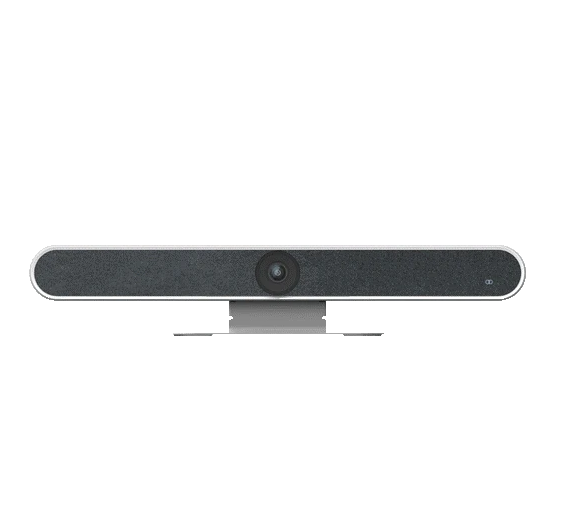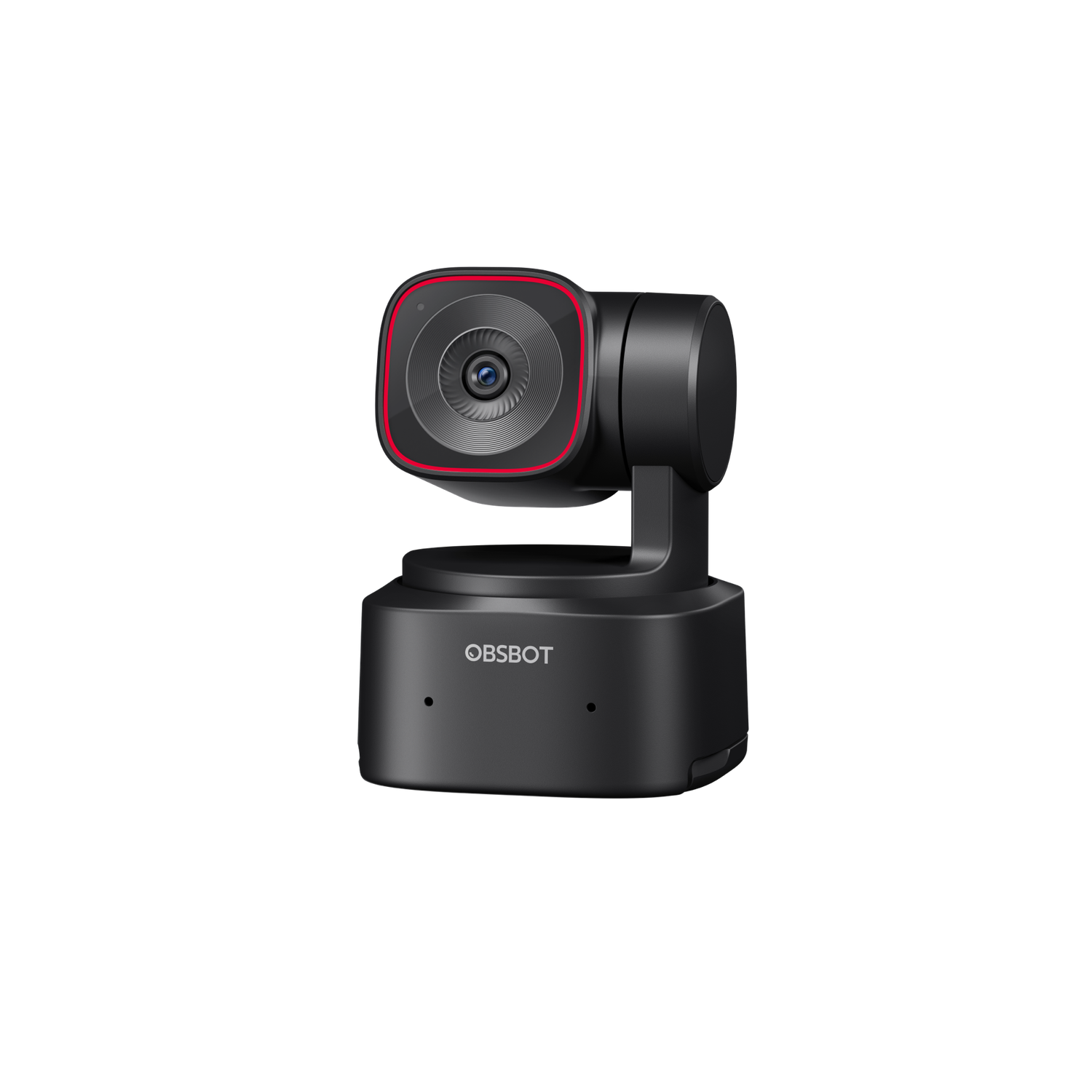

Meeting room AV should be specified by room size and use case. A huddle room for two to four people can often use a single display and an all-in-one USB conferencing bar. A small meeting room for four to eight people may still work with a bar, but microphone pickup, camera framing and display readability become more important. A large boardroom usually needs a dedicated design: PTZ camera or intelligent multi-camera system, ceiling microphone arrays, distributed loudspeakers, DSP echo cancellation, dual displays and a clear control interface.
USB conferencing bars from Yealink, Logitech and similar platforms are popular because they combine camera, microphones, speakers and processing in one predictable device. They are ideal where simplicity and speed matter. PTZ cameras become important in longer rooms because optical zoom keeps faces clear from the far end of the table, while a wide-angle bar may make participants look tiny. For formal boardrooms, ceiling microphone arrays keep the table clean and can deliver excellent pickup, but they need careful placement, acoustic consideration and proper echo cancellation.
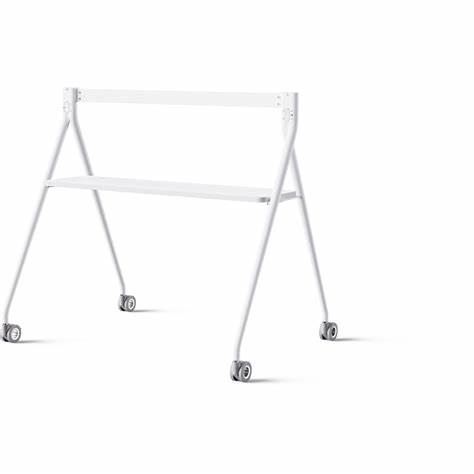
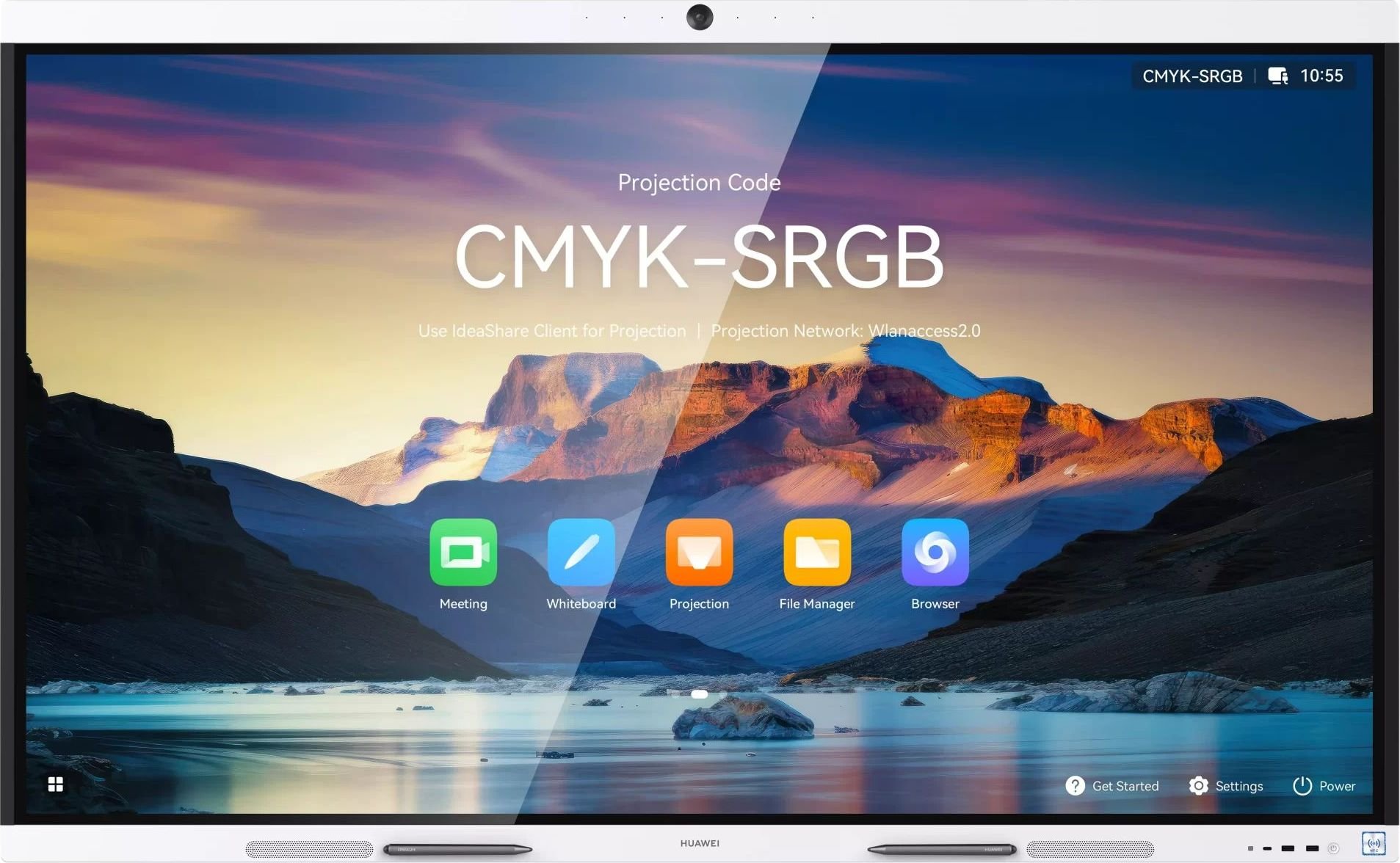
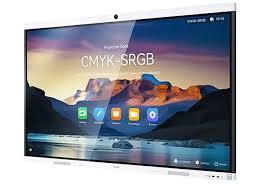
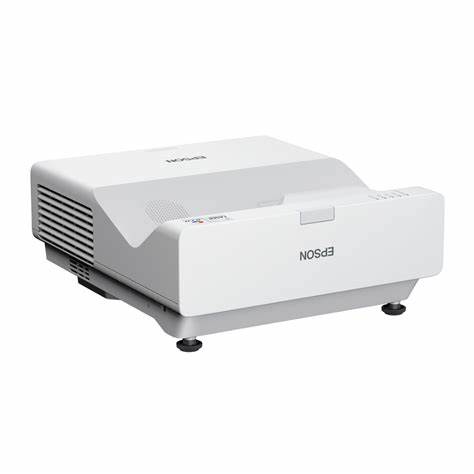
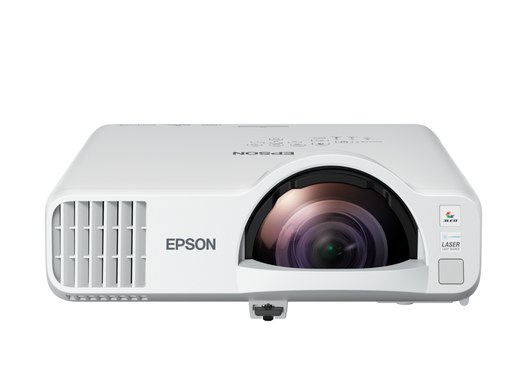
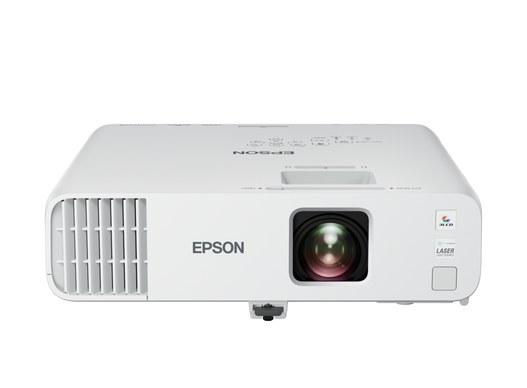
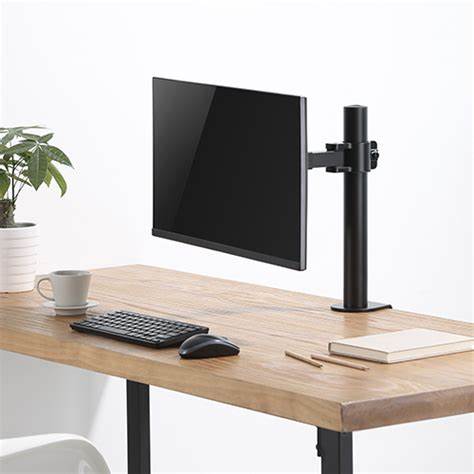
Display size should be based on the farthest viewer and the content being shared. A 55-inch screen may be fine for a compact huddle room, while medium rooms often need 65 to 75 inches. Larger boardrooms may need 86-inch displays, projection, or dual-screen layouts so remote participants and shared content remain visible at the same time. Screen height, glare, camera position and sightlines from side seats should be tested with real meeting content, not a blank desktop.
Teams and Zoom certified hardware reduces support risk because the camera, audio device, compute module and controller have been validated for the platform. Certification is not a substitute for design, but it helps firmware updates, user experience and IT management stay predictable. Decide early whether the room will be a Microsoft Teams Room, Zoom Room, BYOD laptop space or hybrid design. Each choice affects USB routing, HDMI ingest, control panels, calendar integration and support ownership.
Cable management is part of reliability. Loose HDMI cables, under-table power bricks and undocumented USB extenders create failures. Plan conduit, floor boxes, table boxes, labelled service loops and rack access before furniture is finalised. IT also needs to plan wired Ethernet, VLANs where required, bandwidth, firewall rules, device management, firmware updates and QoS for real-time audio and video. Audico can help bridge the gap between AV performance and IT governance so the room works for users and remains supportable.