
Conference room AV should be designed from the room outward. A focus room or huddle space usually needs a single display, all-in-one conferencing bar and simple BYOD or dedicated room operation. A small meeting room may still use a Yealink or Logitech video bar, but the display and microphone pickup must suit the farthest seat. Medium rooms often need expansion microphones, larger displays and more deliberate cable routing. Large boardrooms may require dual displays, PTZ cameras, ceiling microphone arrays, DSP, distributed loudspeakers and a touch controller or room scheduling panel.
All-in-one conferencing bars such as Yealink and Logitech Rally-family solutions are popular because they reduce installation complexity and keep camera, microphone and loudspeaker behaviour predictable. They are strongest where everyone sits relatively close to the screen. Dedicated PTZ cameras become useful in deeper rooms because optical zoom preserves facial detail, and presets or intelligent framing can support presenters, boardroom tables and training layouts. Camera height should sit as close as practical to eye level, because a poor angle makes remote meetings feel unnatural even when the image is sharp.
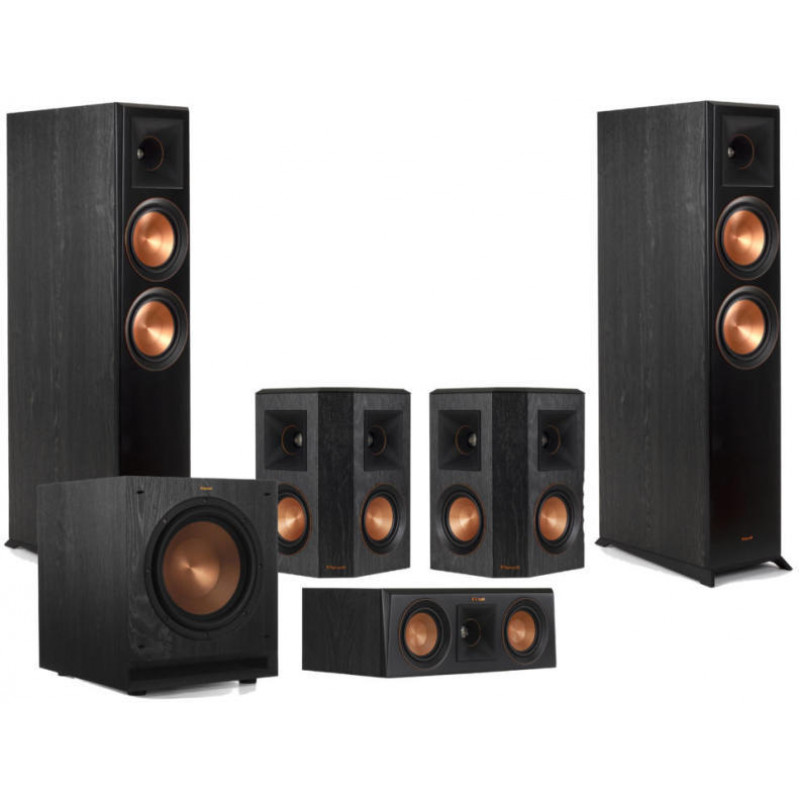
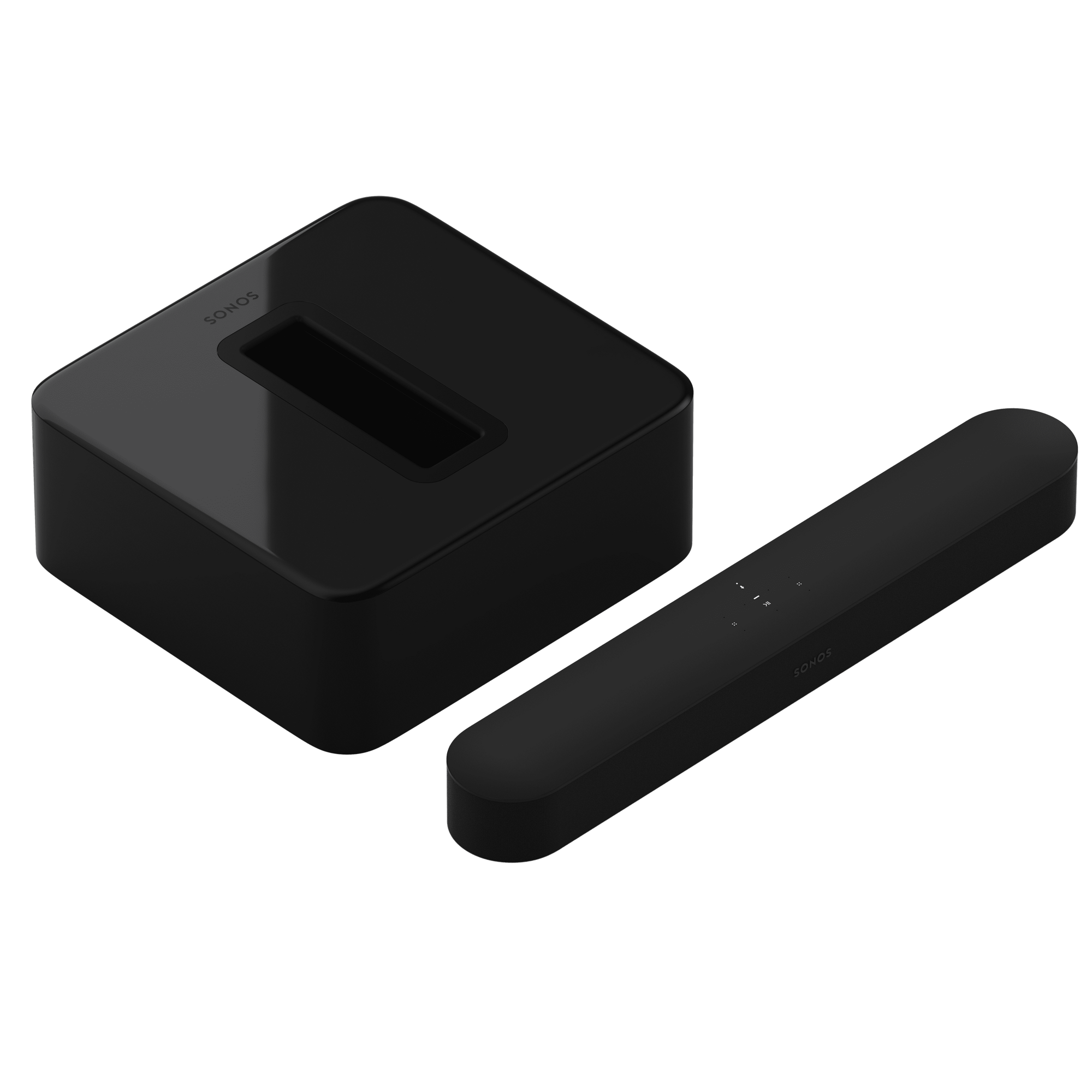
Audio is usually the deciding factor. Table microphones are simple and visible, but they take desk space and can pick up typing or paper noise. Ceiling microphone arrays keep tables clean and can cover formal rooms elegantly, but they need proper placement, room acoustic awareness and echo cancellation. Biamp-style DSP becomes important when microphones, loudspeakers, cameras and room control need to work as one system. The design should account for HVAC noise, glass walls, reflective tables and privacy requirements.
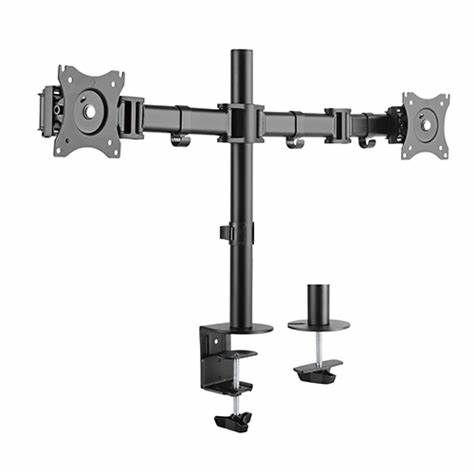
Display sizing should be based on the farthest viewer and the content. A small room may use one 55 or 65-inch display, while medium and large rooms often need 75, 86 or dual-screen layouts. Dual screens are valuable when one screen holds remote participants and the other holds shared content. Wireless presentation systems can reduce cable clutter, but IT must approve security, guest access and network behaviour. Wired HDMI or USB-C may still be necessary for reliability and low-latency sharing.
Teams Rooms and Zoom Rooms certified hardware reduces support risk, but IT still needs to plan bandwidth, QoS, VLANs, firewall rules, device accounts, calendar integration, firmware updates and remote management. Security matters: room devices are network endpoints with microphones and cameras, so access control and update policies cannot be casual. Installation versus self-install depends on room complexity. A small bar can often be self-installed; a boardroom with ceiling microphones, PTZ cameras and DSP should be professionally commissioned. Total cost of ownership includes support time, replacement cables, firmware management, room downtime and staff confidence. Audico’s business team works with Yealink and Logitech conferencing ecosystems and can help companies standardise rooms without losing sight of real-world usability.